 JA
JA
Sanpo Rupu
iPhone · Apple Watch · さんぽループ
Loop walks and step tracking
Leave home,
loop around,
and come back.
Enter how far you want to walk, and it makes a route on the map that starts from your home and brings you back. A different road every day, instead of the same old walk. It also records the route you walked and your daily steps.
For iPhone and Apple Watch. Records are stored on your device — no account or ads.
FEATURES
Just what you need for a walk,
in one app.
Make a route, walk it, look back. Daily walks, made simple.
Routes that bring you home
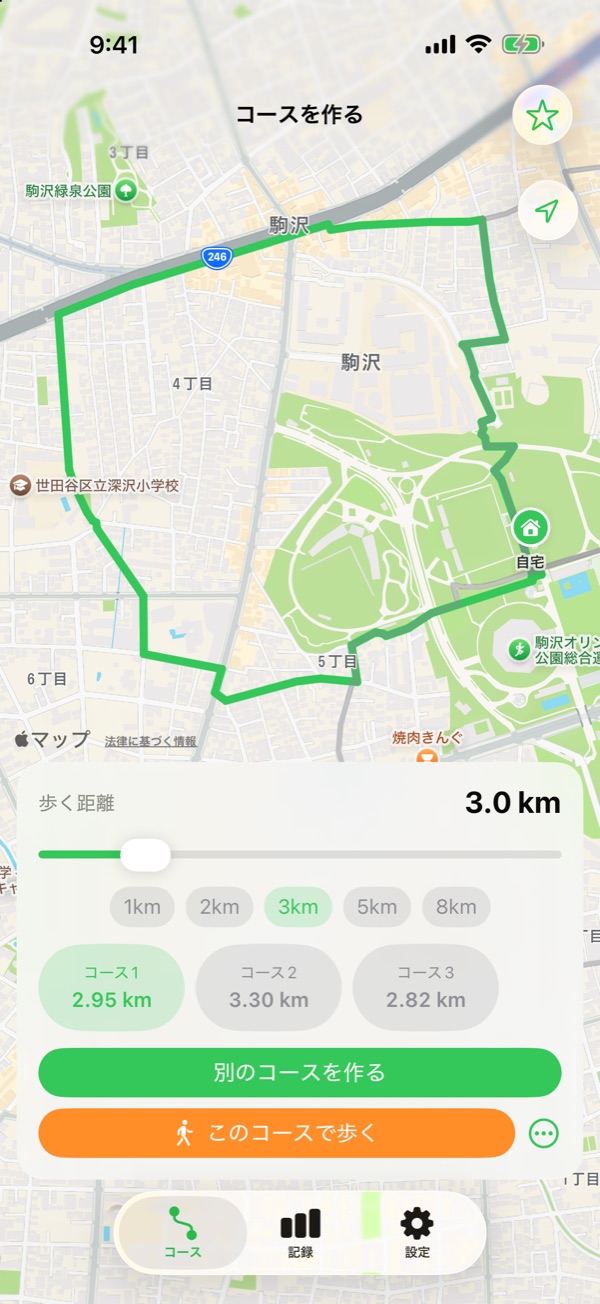
Choose a distance from 1 km, and it makes three loop routes that start and end at your home. Save the ones you like.
Record the route you walked
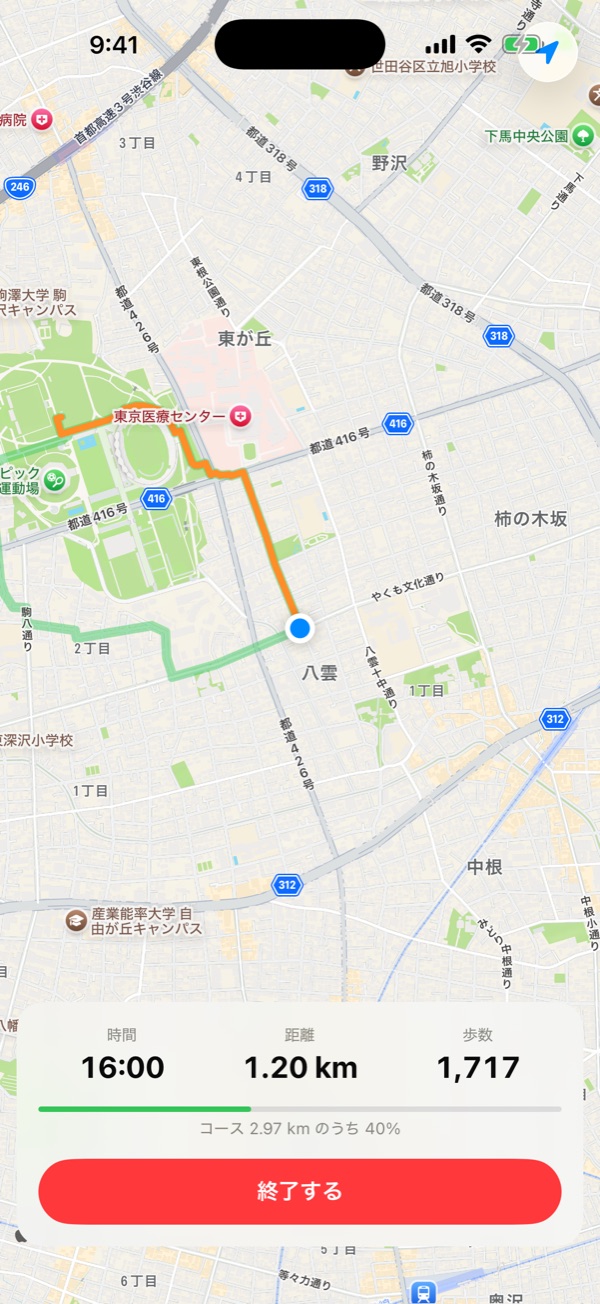
During a walk, GPS draws your route on the map and shows time, distance and steps. Afterwards it's saved to your records, and can be saved to Health as well.
Daily steps in charts
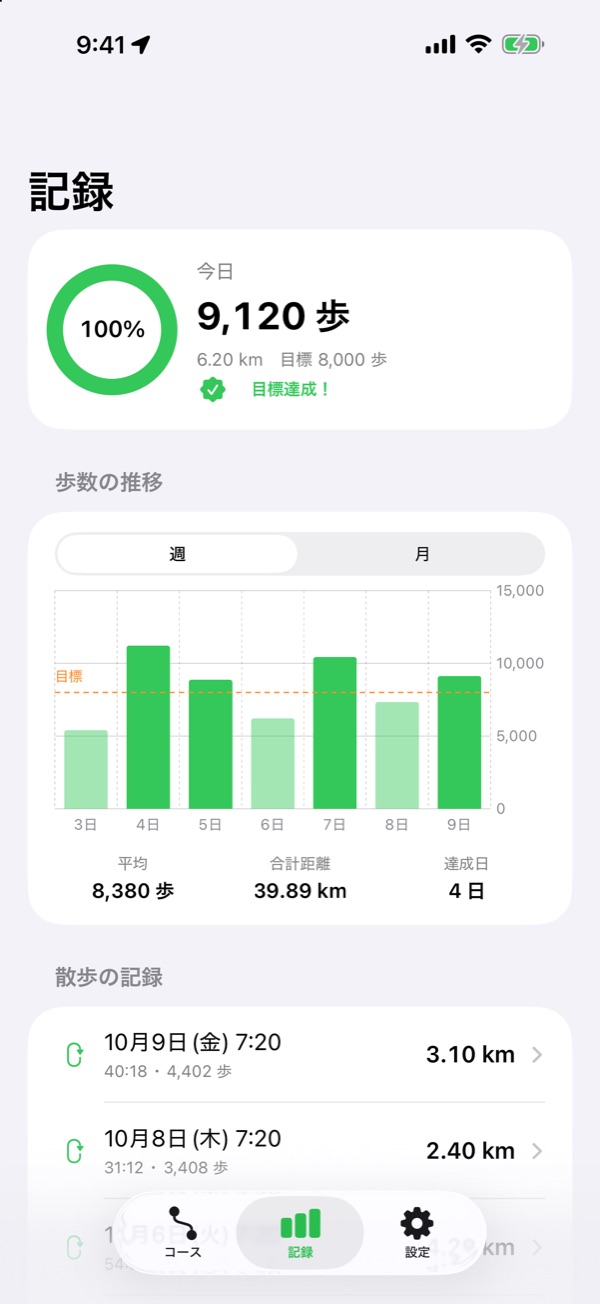
It reads steps and distance from Health and shows today's progress ring and weekly and monthly charts. Set your own step goal.
On Apple Watch too
Check today's steps on your Watch. Send routes made on iPhone to the Watch map, and record walks with just the Watch.
SCREENS
Screens
Make a route, walk it, look back. Screenshots show the Japanese interface.
Scroll sideways to see more
HOW TO
Your first walk
- Set your homeChoose your starting point on the map. The location is stored only on this device.
- Choose a distance and make a routePick 1 km, 2 km, 3 km and so on, or adjust with the slider. Then choose one of three routes.
- Tap “Walk this route”Just walk while watching the map. Tap “Finish” when you're done to save it to your records.
FAQ
Frequently asked questions
I can't make a route
Check that your home is set and that location access is allowed. Routes may not be created where the signal is weak or when Apple's route search is busy. Wait a moment and try “Make another route”.
My steps stay at 0, or don't appear in my records
Open the Settings app → Health → Data Access & Devices → Sanpo Rupu, and turn on reading of steps and walking distance. iPhone shows the permission screen only once, so change it later from the Health settings.
Is my route recorded with the screen off?
Yes. During a walk, recording continues even if you turn off the screen or use other apps (location works with “While Using the App”).
Can I keep my records when I change phones?
Daily steps are Health data, so they carry over with your iPhone backup. Walk records and saved routes in the app are also included in your iPhone backup.
PRIVACY
Privacy
Your home location, walking routes and steps are stored only on your iPhone and Apple Watch. Maps and route search use Apple Maps, so coordinates are sent to Apple only when a route is calculated.
MORE APPS
More apps from palnet Lab.



CONTACT
Contact
app@palnetlab.com